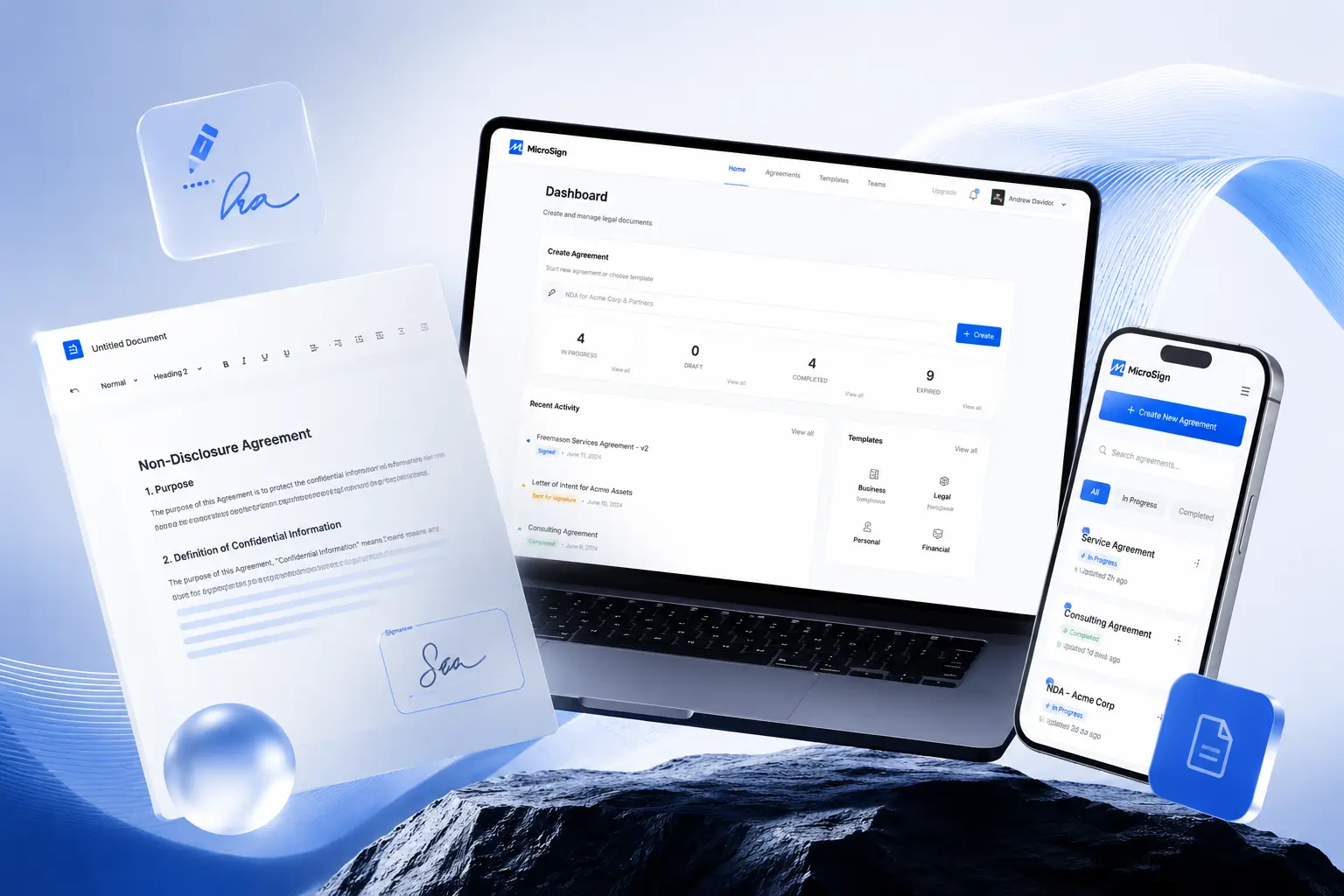
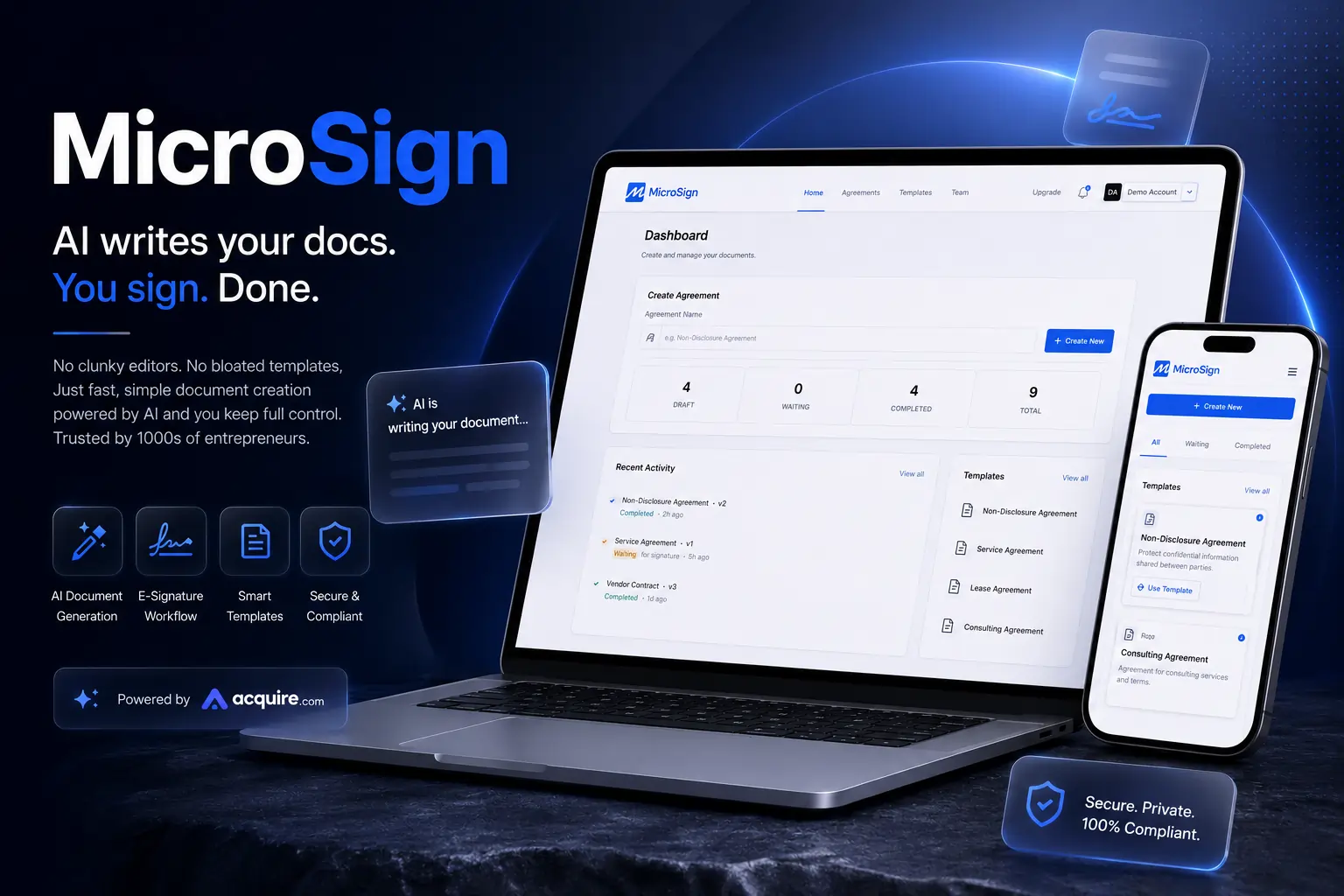
MicroSign combines AI document drafting (with clarifying questions), editable pre-built templates, e-signature with multiple signers and automatic reminders, real-time status tracking and activity history, and encrypted storage with instant search, on mobile and desktop.
MicroSignCase studyLegalTech · SaaS for founders
MicroSign: describe it, sign it, done
MicroSign lets founders and startup teams describe the document they need in plain language, have AI draft it, then send it for e-signature and track it, with no clunky editors or bloated templates. We designed and developed the platform, from AI drafting to signing.
30saverage time to create a document
1,000+entrepreneurs using MicroSign
3steps: write, sign, done
24/7ready to sign, on mobile or desktop
The brief
Legal paperwork, without the lawyer-speak UI.
Founders hate contracts because the tools feel like the contracts: dense and slow. MicroSign had to feel like the opposite.
Design a product where a non-lawyer can go from blank page to signed contract in minutes, while still feeling trustworthy enough for real agreements.
- One prompt instead of a 20-field form
- Make AI drafting feel controllable, not magic
- Clear signing status for every party
We designed and developed the MicroSign platform: the prompt-first AI drafting flow, templates library, e-signature and multi-signer tracking, encrypted storage and the landing experience.
The whole product in three words
Write. Sign. Done.
The flow is the product, so every screen we designed answers one question: what’s the next of these three steps?
AI is writing your document…
Write
Describe what you need, or start from a template. The AI asks what it needs to know and drafts it with legal formatting.
Sign here
Sign
Send for e-signature in one click. Signers sign from any device, no third-party tool needed.
All parties signed
Done
Instant notifications, then store, duplicate or edit the document later. Everything searchable.
Templates
Start from a legally reviewed base.
Pre-built templates for the documents startups need most, fully editable and reusable. The library makes the right starting point easy to find.
JA
Jordan AveryAcme Labs
SentViewedSigned
PR
Priya RamanNorthwind
SentViewedSigned
LM
Leo MarshLegal counsel
SentViewedSigned
Real-time tracking
Know exactly who’s holding things up.
Multiple signers, automatic reminders, comments and a full activity history. Status is impossible to misread: one row per person, three states, one colour that means done.
- Multiple signers and signing order
- Automatic reminders before deadlines
- Real-time comments and edits
- Activity history for every document
What we delivered
From blank page to signed, beautifully.
Ten weeks to design and develop a prompt-first legal platform.
Scope of work
Product and marketing designed together, so the first screen a visitor sees is the real app.
- Prompt-first AI drafting flow with clarifying questions
- Templates library and reusable document templates
- E-signature flow with multiple signers and reminders
- Dashboard with recent activity, status tracking and search
- Dark, glass-style visual system and responsive landing experience
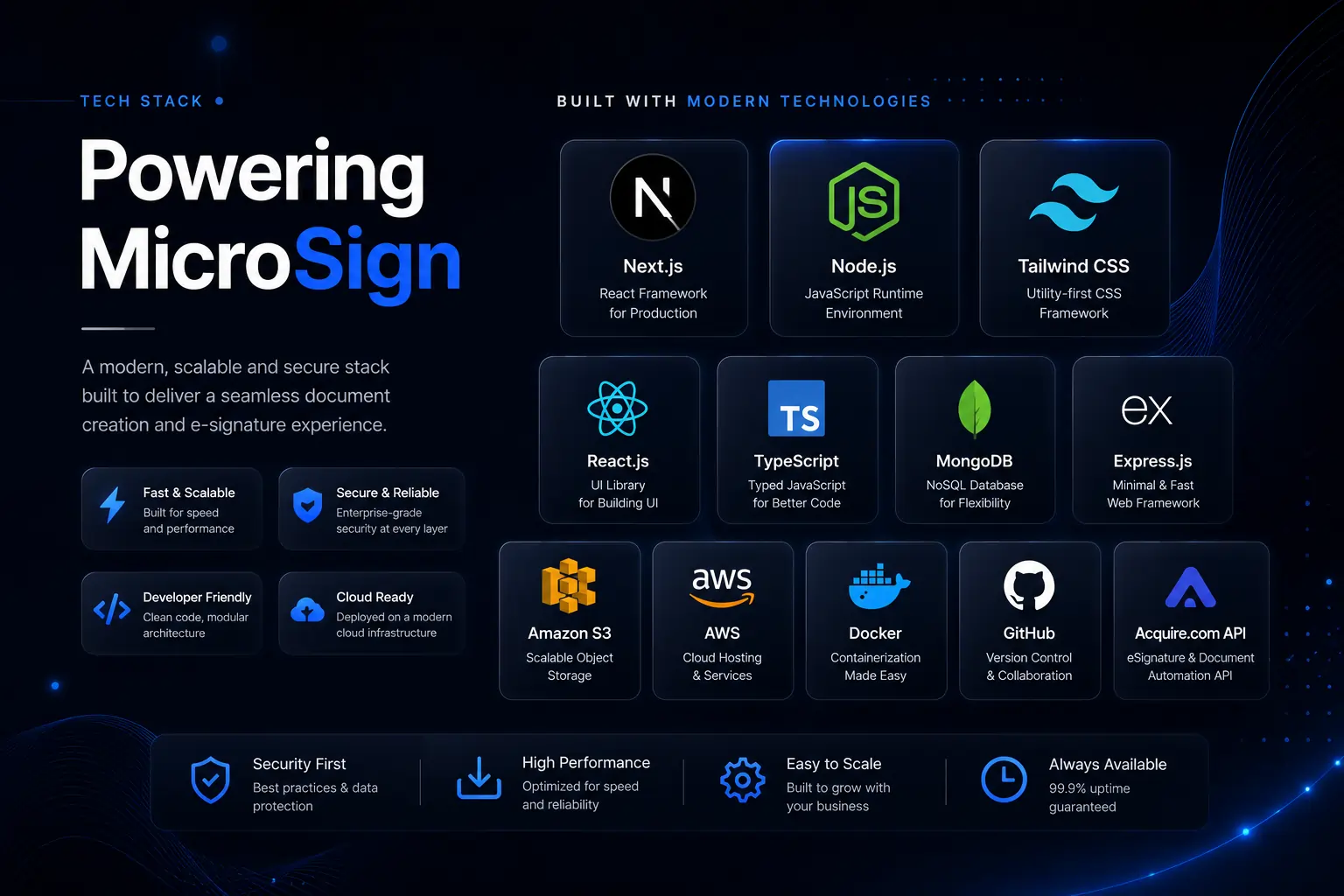
Product designWeb appFront-endBack-end & APIsAI drafting
Product names, features and figures on this page belong to MicroSign and are shown to explain the platform. DivyGfx designs and builds products like this end to end, from UX to full-stack development. Talk to us about yours.